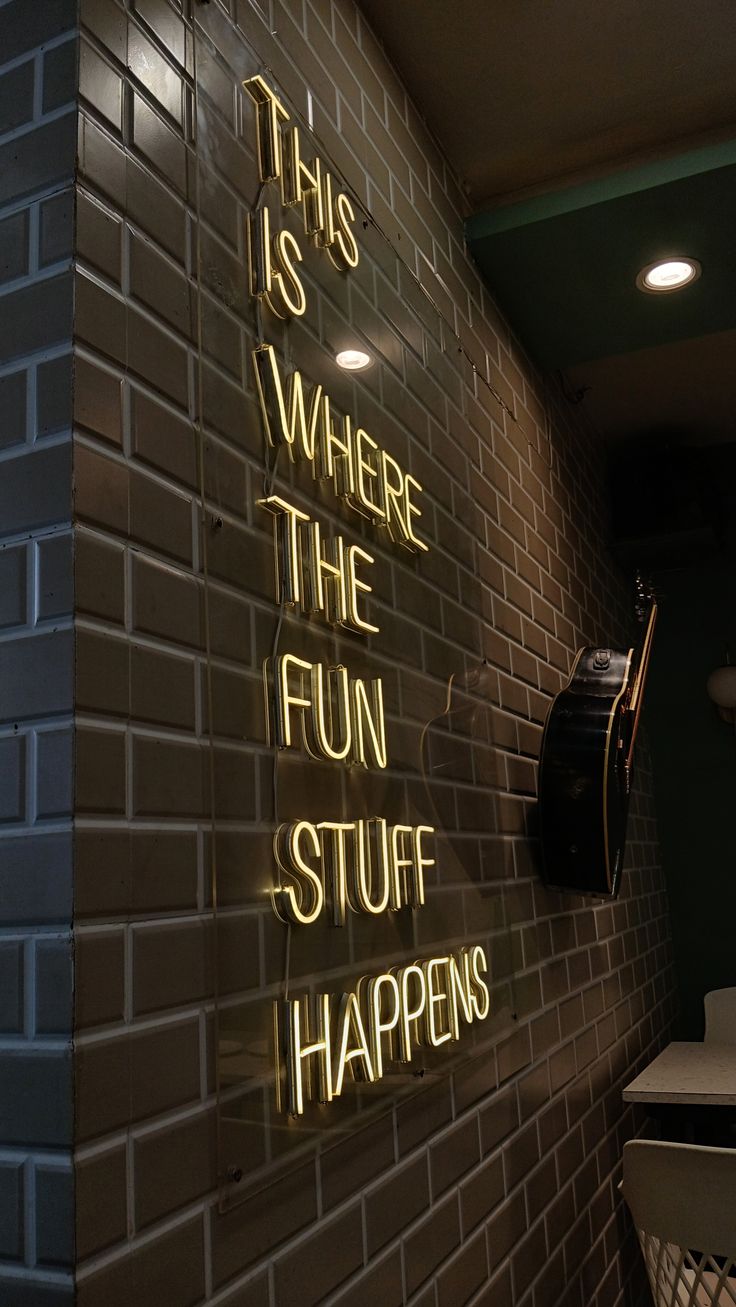
.png)
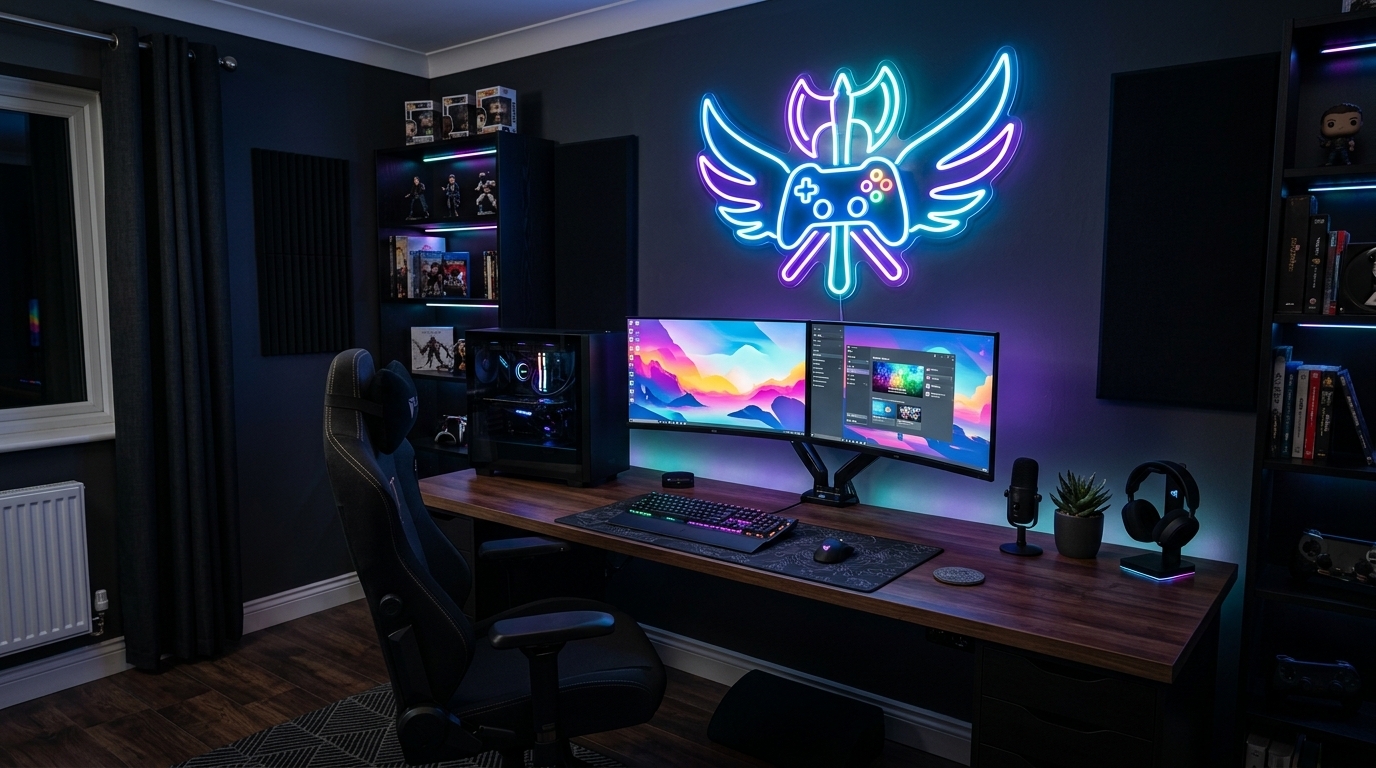
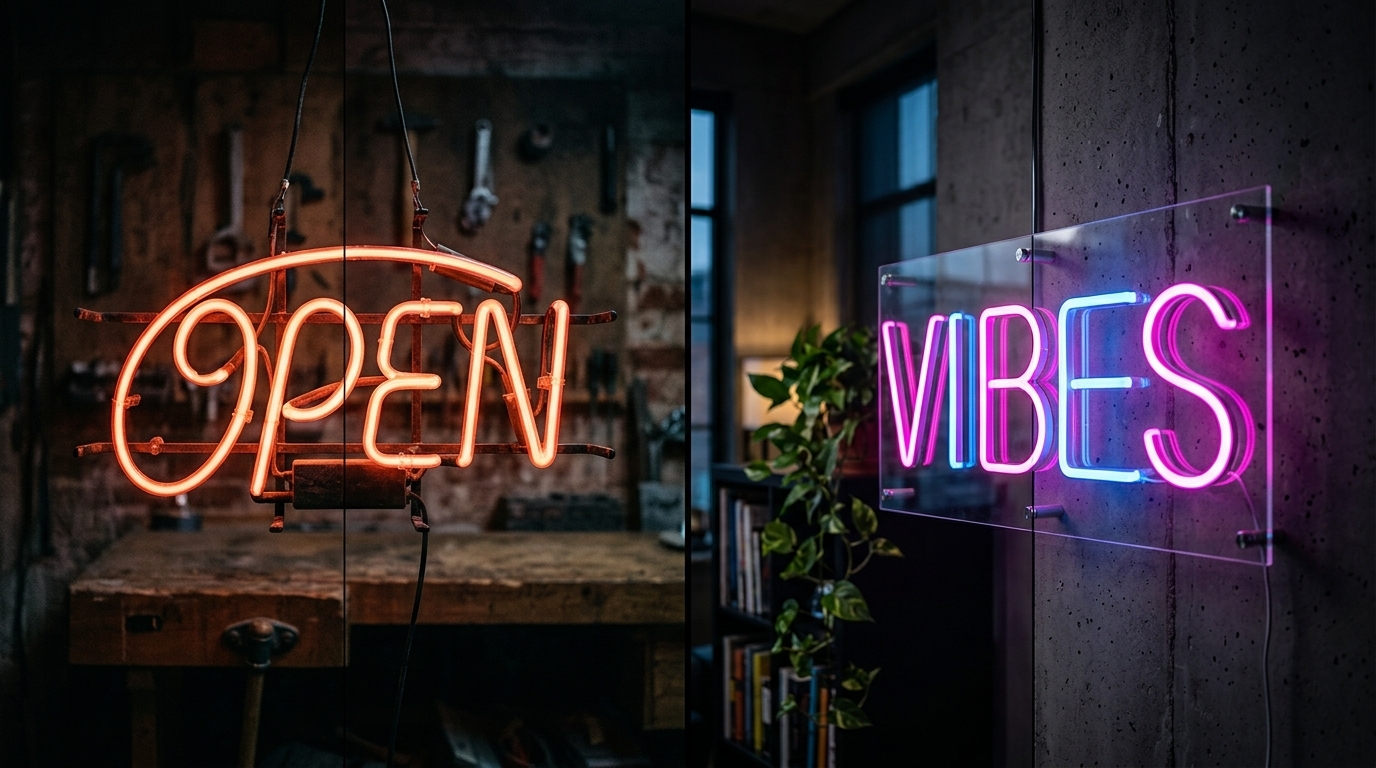
A great gaming room is more than a desk, monitor and gaming chair. The right lighting can completely change how the space feels, especially when you want a setup that looks impressive both in person and on camera. Neon signs for gaming rooms have become a popular way to add personality, colour and atmosphere without taking up valuable desk space.
Whether you are building a PC gaming setup, creating a console room, upgrading a bedroom or designing a streaming backdrop, the right neon sign can become the focal point of the entire space. From a custom gamer tag to a simple “Game On” design, there are plenty of ways to make your setup feel personal.
This guide explains how to choose neon signs gaming room UK buyers can use, where to place them, which designs work best and how to match neon lighting with your existing gaming setup.
Why Neon Signs Are Perfect for Gaming Rooms
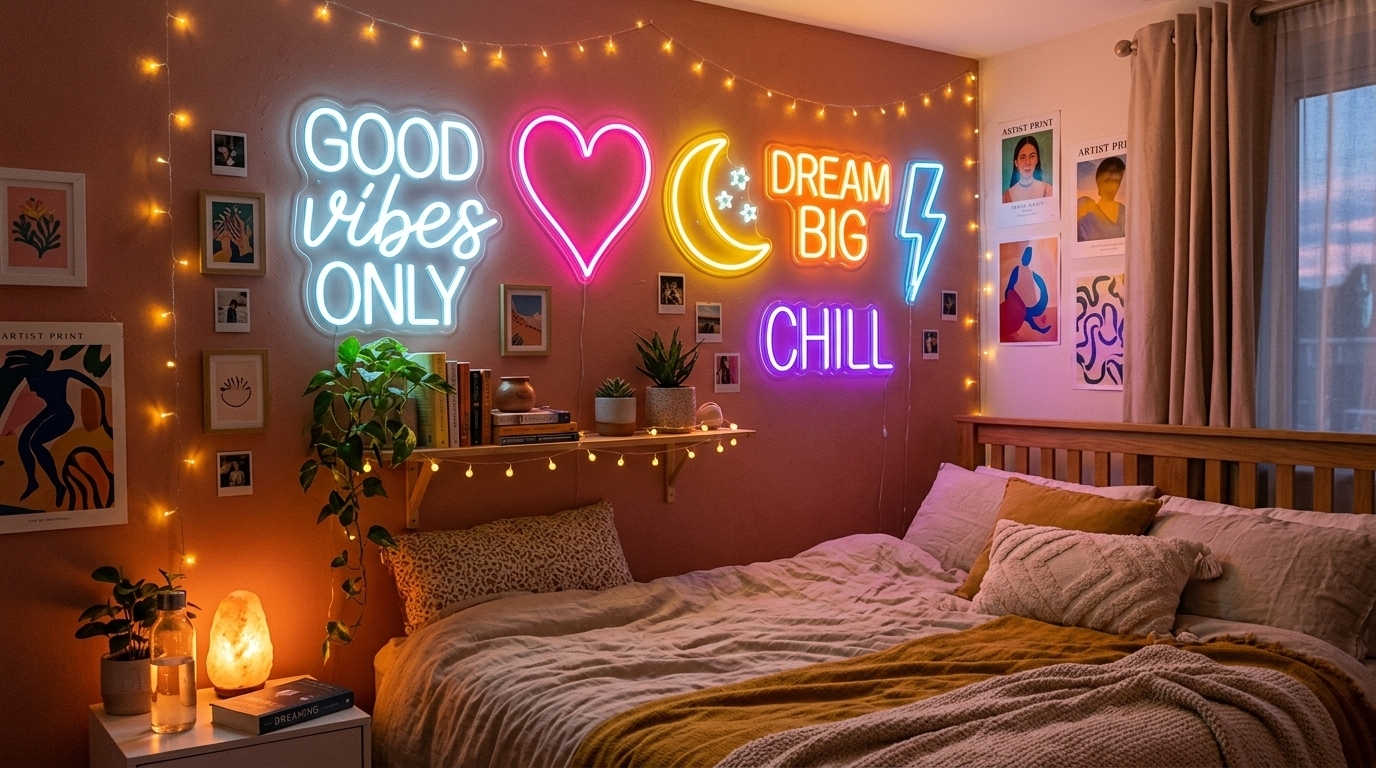
Gaming rooms often rely on layered lighting rather than a single bright ceiling light. A monitor provides focused light, RGB components add colour around the desk, and wall lighting creates atmosphere in the background. A neon sign can bring these elements together by adding a strong visual feature to the room.
Unlike ordinary wall art, a neon sign becomes part of the lighting design. It can draw attention to an otherwise empty wall, create a stronger background for gaming streams and give your room a distinctive identity.
For UK gamers, this makes LED neon signs particularly useful when decorating bedrooms, home offices, dedicated games rooms and streaming spaces where every part of the setup needs to work together.
A well-positioned sign can also make a small room feel more intentional. You do not necessarily need a huge feature wall. One carefully chosen sign above the gaming desk can sometimes have more impact than several unrelated decorations.
Best Neon Signs for Gaming Rooms in the UK
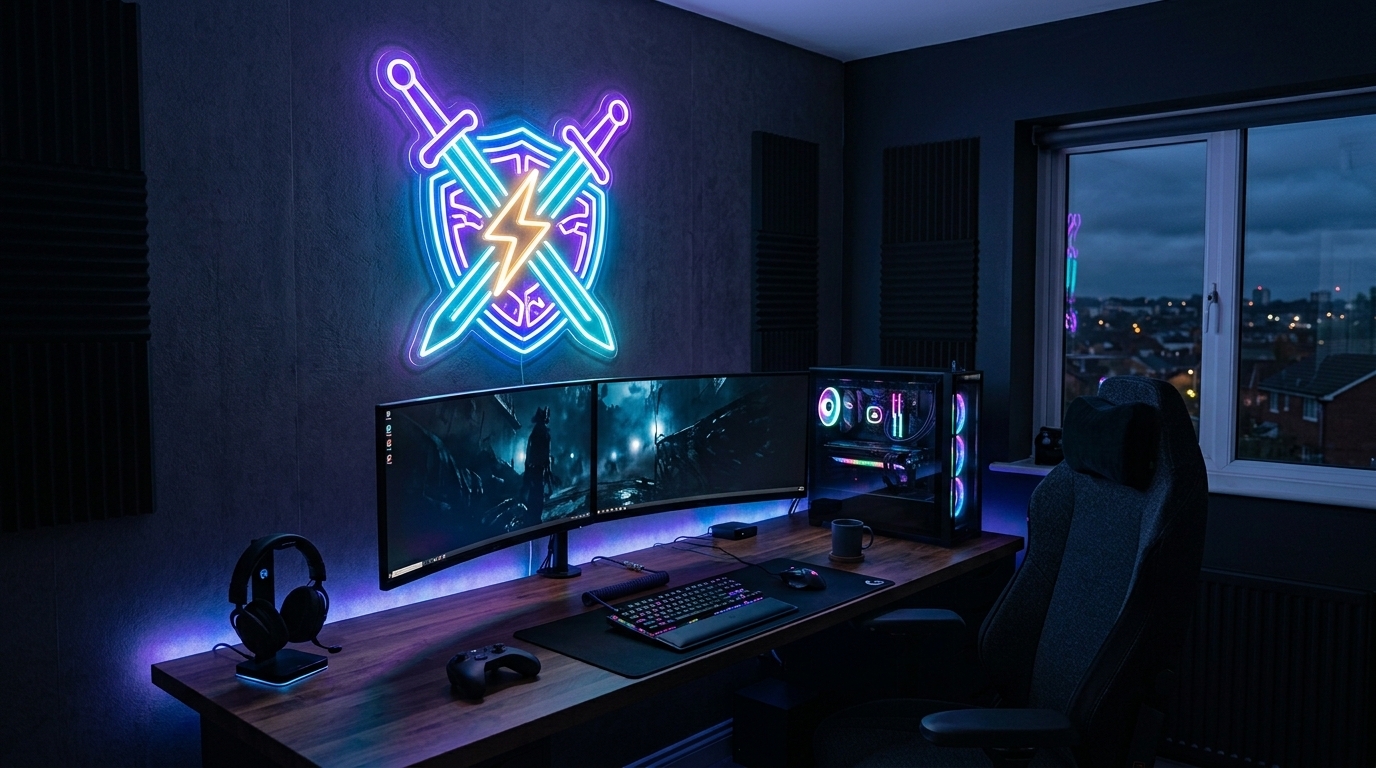
The best design depends on your gaming style, room layout and the look you want to achieve. There is no single neon design that works for every setup.
Here are some of the most popular options to consider.
Gamer Tag Neon Signs
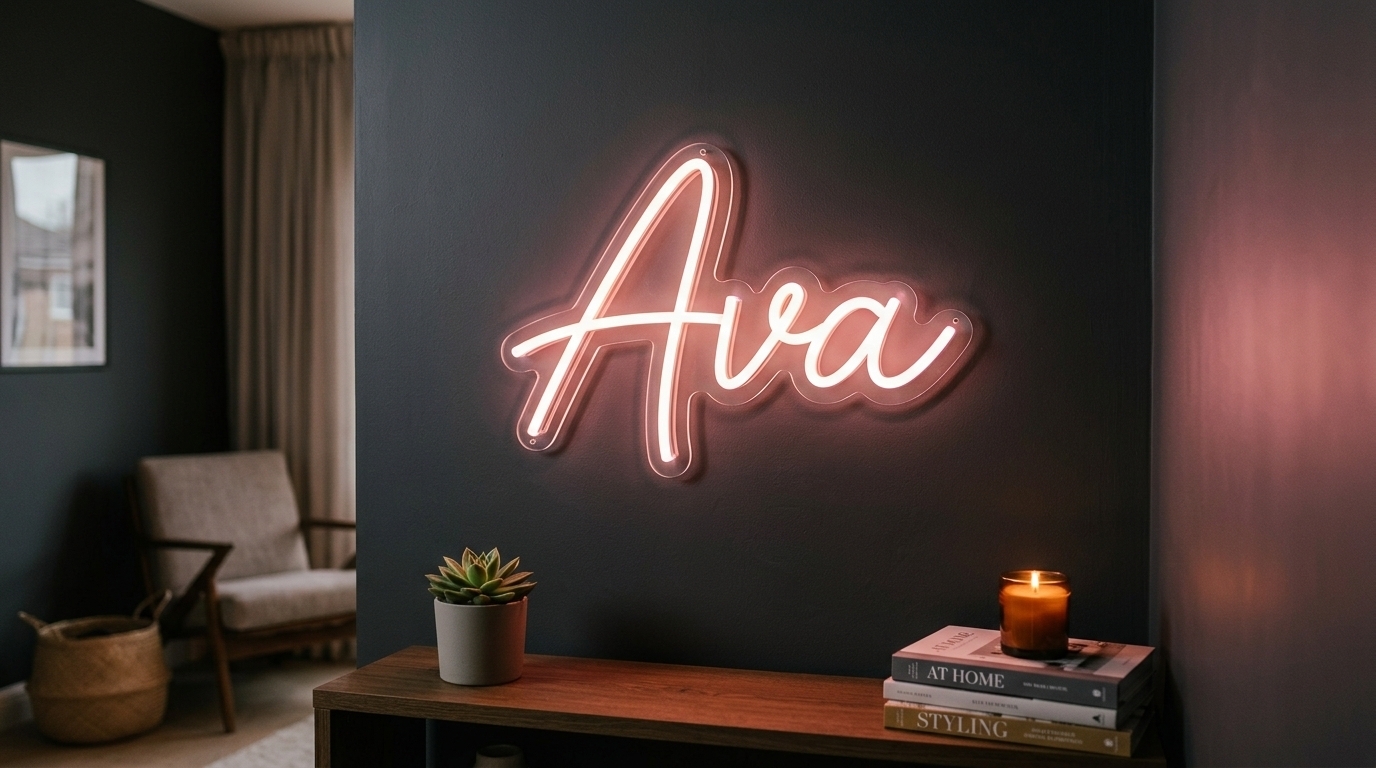
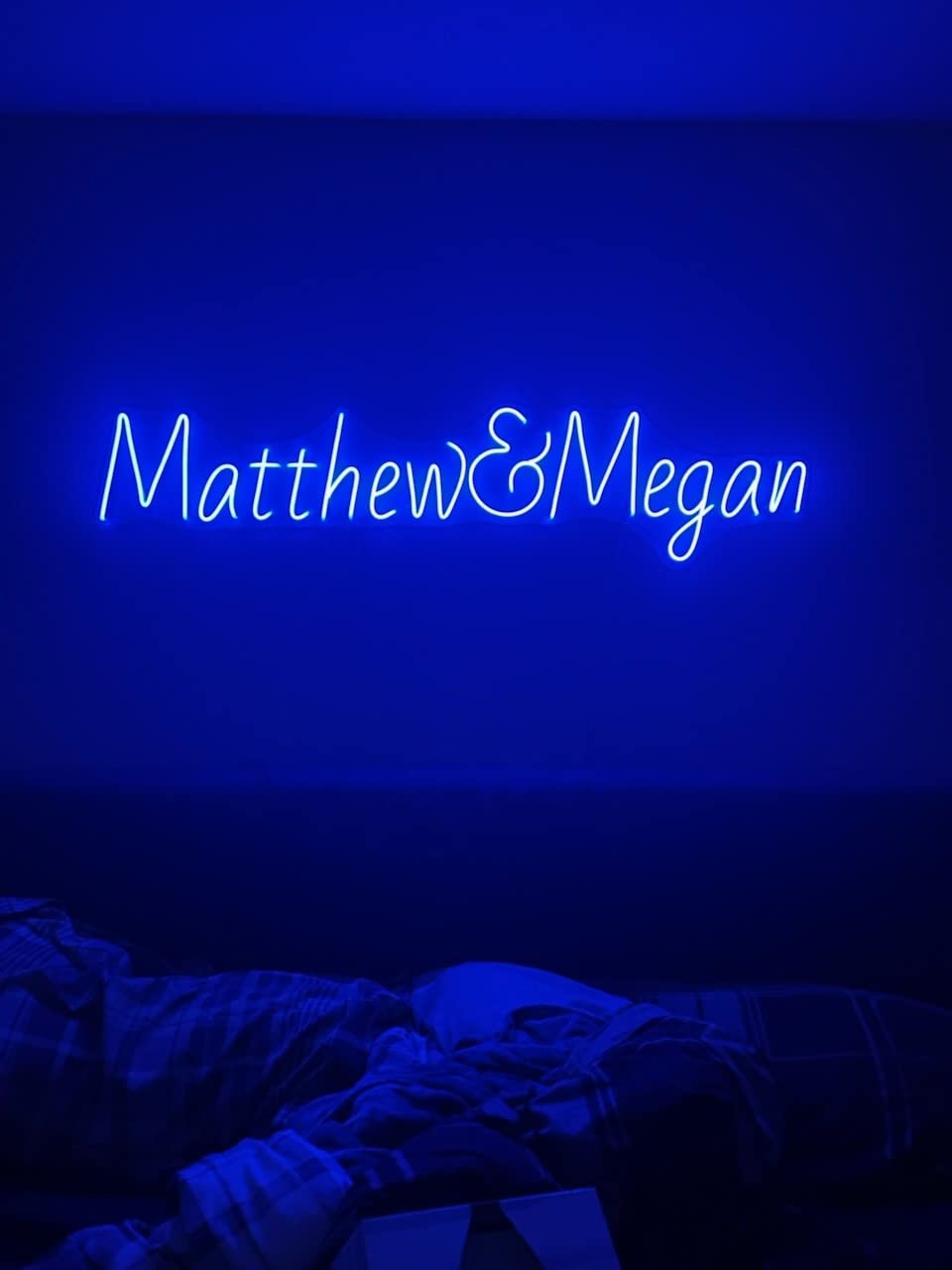
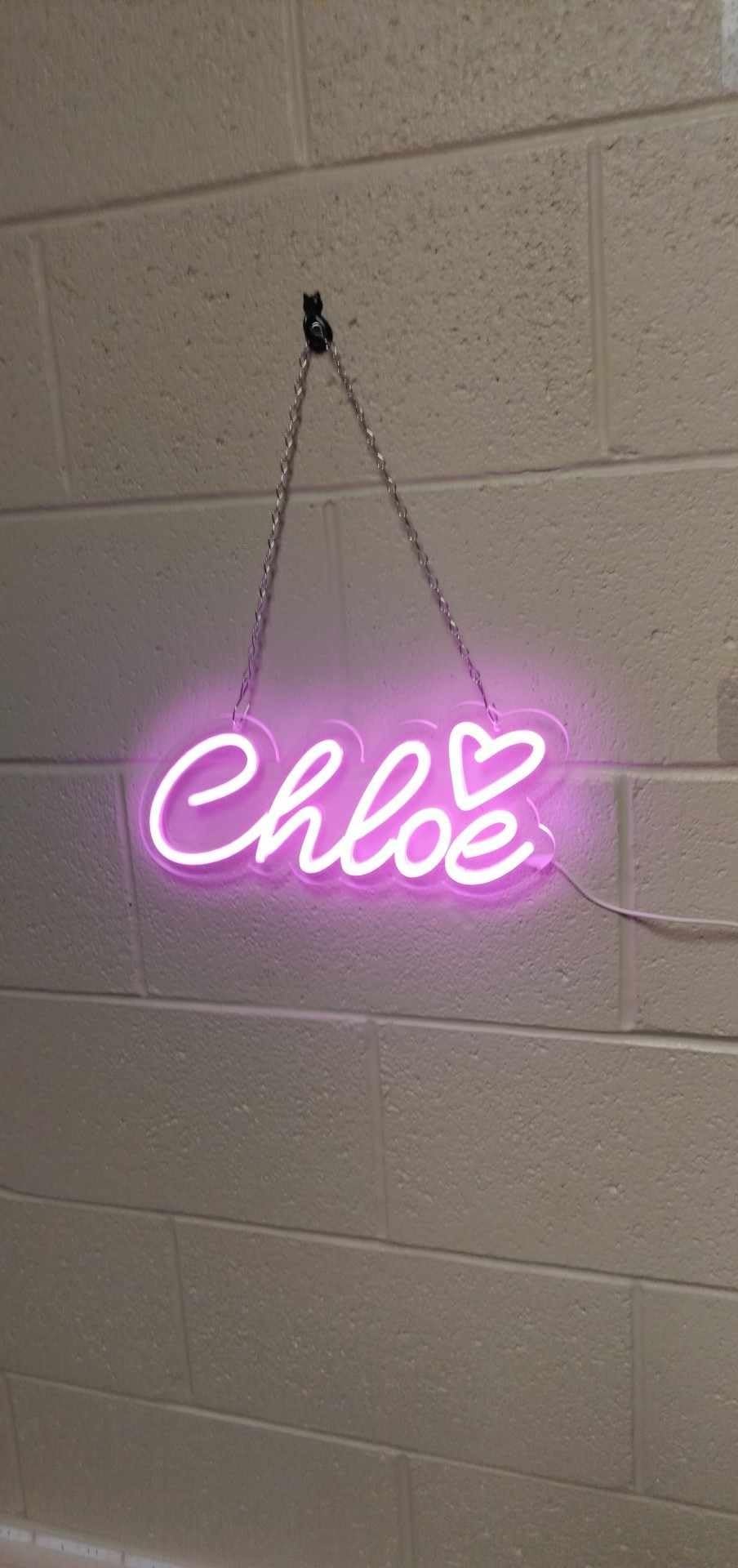
Your gamer tag is one of the easiest ways to create a personalised gaming room. Instead of using a generic gaming phrase, you can turn your username or online handle into a glowing feature on the wall.
This works particularly well for streamers and content creators because the sign can become part of their visual identity. When the same gamer tag appears on your social profiles, videos and streaming background, the neon sign can help make your setup instantly recognisable.
A short name usually works better than a long phrase because it remains easy to read from a distance.
Gaming Logo Neon Signs
If you have a personal gaming logo, esports team emblem or content brand, consider turning it into a custom neon sign.
A logo can create a more professional appearance than a standard decorative sign. It is particularly suitable for dedicated streaming rooms, esports spaces and gaming creators who want their background to reflect their brand.
The design should remain recognisable when illuminated. Very fine details may not translate as effectively into neon, so simpler shapes and strong outlines are often better choices.
Controller Neon Signs
Controller designs are instantly associated with gaming, making them a simple choice for a games room.
They work well when you want your gaming room wall decor to communicate the purpose of the room without using words. A controller sign can also complement other decorations such as game posters, shelves, collectibles and RGB lighting.
Gaming Quotes and Catchphrases
Short phrases can add personality to your room without requiring a complicated design.
Examples include:
Game On
Level Up
Play Hard
Game Over
Let's Play
Respawn
Press Start
The best phrase is usually one that reflects your personality rather than something chosen simply because it is popular.
Custom Neon Signs
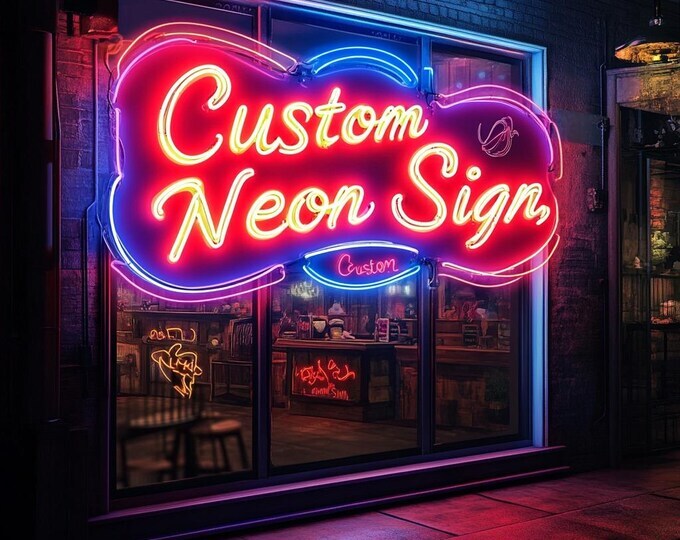
If you cannot find a ready-made design that matches your setup, a custom neon sign gives you much more freedom.
You can create a sign around your gamer tag, nickname, logo, favourite phrase or a simple symbol. Customisation also allows you to choose dimensions and colours that fit your particular wall.
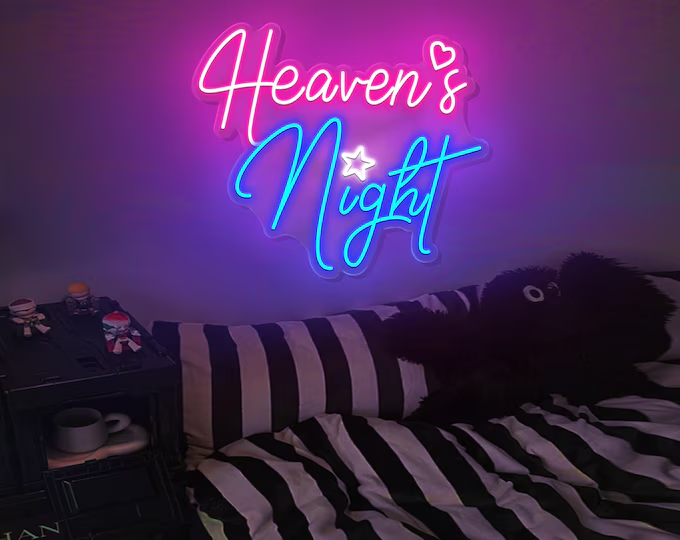
For example, a streamer with a dark gaming room might choose an electric blue gamer-tag sign, while a colourful RGB setup could use a contrasting pink or purple design.
How to Match Neon With Your Gaming Setup
Choosing a neon sign is only part of the process. The sign needs to work with the rest of your gaming setup.
A common mistake is choosing several bright colours that compete with each other. If your keyboard, PC case, monitor lights and wall strips are already using multiple RGB colours, adding another completely different colour can make the room look chaotic.
Instead, think about the overall colour palette.
If your setup uses blue RGB lighting, a blue, cyan or purple neon sign can create a consistent appearance. If your gaming room uses pink and purple lighting, a matching neon sign can reinforce the same atmosphere.
For a minimalist setup, white neon can be particularly effective because it provides contrast without introducing another strong colour.
The goal is not simply to make the room brighter. The goal is to make the lighting look intentional.
Where Should You Put a Gaming Neon Sign?
The wall directly behind your gaming desk is often the most obvious location because it naturally becomes the focal point of the setup. It can also work especially well for streamers because the sign may appear in the background of videos and livestreams.
However, you have other options.
Above the Gaming Desk
Mounting a sign above the monitor creates a strong central feature. This works particularly well with gamer tags, short phrases and compact logos.
Make sure the sign does not sit so low that it competes with your monitor or distracts you while playing.
Behind the Gaming Chair
If your gaming chair is positioned in front of a feature wall, the neon sign can become a backdrop. This is particularly useful for people who record videos, livestream or take gaming photos.
A larger design can fill the empty space behind the chair and give the room a more finished appearance.
On a Feature Wall
A dedicated gaming wall can combine your neon sign with shelves, collectibles, posters and acoustic panels.
The neon should usually act as the visual anchor rather than competing with every other item on the wall.
Above Shelving
Smaller neon signs can work well above display shelves containing consoles, controllers, figures or gaming accessories.
This creates layers in the room rather than putting every decorative element at the same height.
How to Choose the Right Neon Sign Size
Size should be based on the wall and viewing distance rather than simply choosing the biggest sign available.
A sign that is too small can disappear into a large wall. A sign that is too large can overwhelm a compact bedroom or gaming corner.
Before ordering, measure the available wall space. Then consider what the sign will look like from your normal gaming position.
For a streaming setup, also consider your camera frame. A sign that looks large in person may appear much smaller once it is behind you on camera.
A simple approach is to use masking tape to mark the approximate width and height of the proposed sign on the wall. Stand at your gaming desk and look at it from your normal position. This gives you a better idea of whether the proportions feel right before committing to the final size.
LED Neon vs Traditional Glass Neon for a Gaming Room
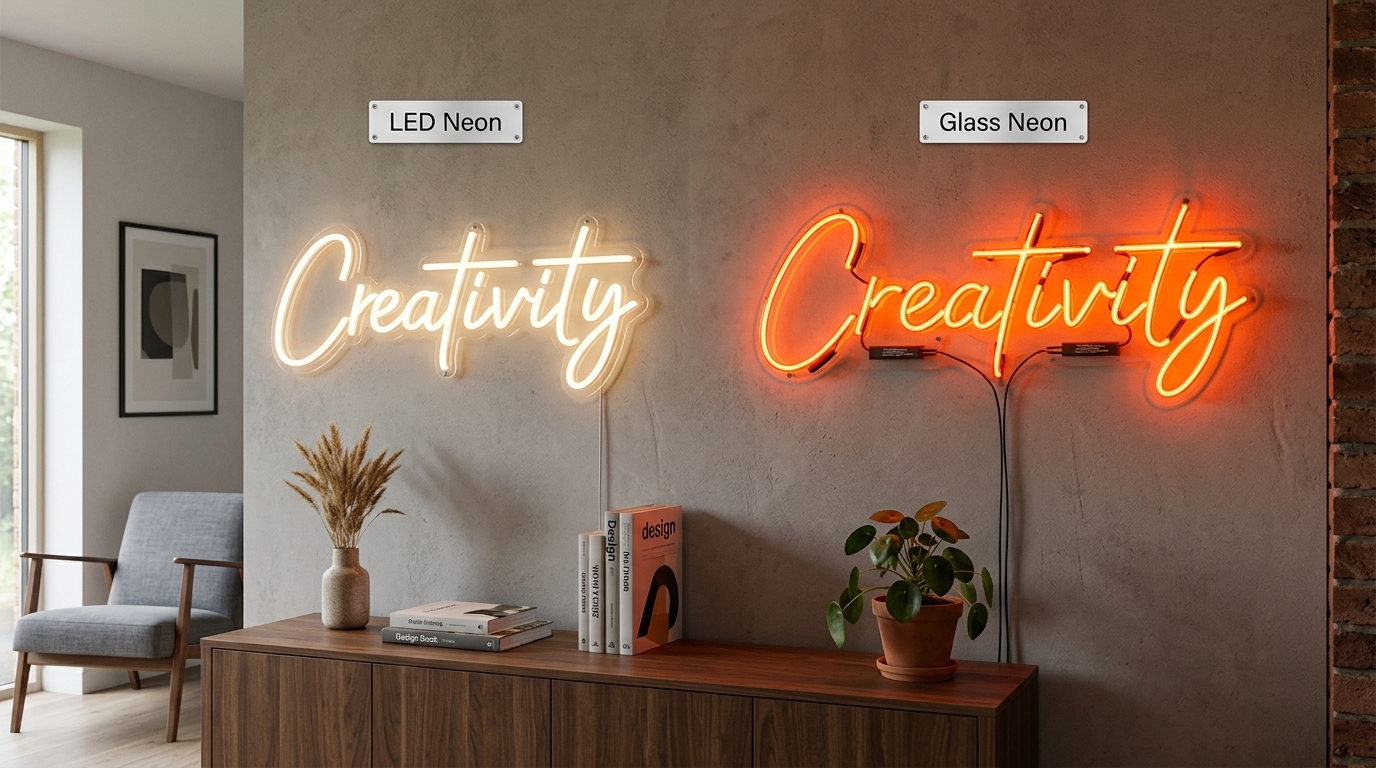
When people search for neon signs, they may imagine traditional glass tubes. Modern LED neon signs are different.
LED neon signs typically use flexible LED tubing mounted onto an acrylic backing rather than relying on fragile glass tubes. This makes them well suited to decorative applications such as gaming rooms where the sign may be mounted above a desk or around other equipment.
LED technology also gives designers more flexibility when creating custom shapes, lettering and gaming-inspired designs.
For a home gaming setup, the important factors are not simply whether a sign is called “neon”. Look at its construction, mounting method, power requirements, brightness control and the quality of the design.
Gaming Room Lighting: How Neon Works With RGB
Neon signs do not have to replace your existing RGB gaming room lights. In fact, they can work together particularly well.
Think of your lighting in layers.
Your monitor and desk lighting provide functional illumination. RGB strips can add colour around the desk or behind the monitor. Your neon sign then becomes the feature light that attracts attention to a specific part of the room.
This approach gives you more control over the atmosphere.
For example, you might use a blue neon gamer tag as the main feature, purple RGB lighting around the desk and a softer light behind the monitor. Rather than having every light at maximum brightness, you can adjust each layer to create depth.
A dimmer can also be useful when you want the sign to look strong without overpowering the screen or appearing too bright on camera.
Neon Signs for Gaming Rooms and Streaming Setups
For streamers, a neon sign can serve a purpose beyond decoration.
Your background is part of your on-screen identity. Viewers may spend hours seeing the same room, so having a recognisable visual element can make the setup feel more professional.
A custom gamer tag, channel name or logo can work particularly well because it reinforces your identity while remaining visually simple.
Placement matters here. Put the sign where it is visible within your camera frame, but avoid positioning it directly behind your head where the design becomes difficult to read.
You should also test the sign through your camera before finalising the layout. A colour that looks excellent in person may appear different depending on your camera settings, exposure and surrounding lights.
How to Create a Gaming Room Around a Neon Sign
Instead of buying a neon sign after decorating the entire room, consider making it part of the original design.
Start by choosing a theme. This could be a futuristic PC setup, retro arcade room, minimalist gaming space, console-focused room or streamer studio.
Then select a primary colour palette.
Once you know your colours, choose the neon design. From there, you can coordinate your desk accessories, wall panels, shelves and RGB lighting around it.
For example, a retro gaming room might combine a pixel-inspired neon design with darker walls, classic console artwork and warm accent lighting. A modern PC gaming setup might use a clean custom logo with blue or purple lighting and minimalist wall decor.
This approach creates a much more cohesive room than simply adding random gaming accessories.
Practical Things to Check Before Ordering
A neon sign should look good, but practical details matter just as much.
Before ordering gaming room neon signs UK buyers should consider, check the wall dimensions, available power socket and intended mounting position. Think about cable routing as well, because a visible cable can take away from an otherwise clean gaming setup.
For a custom design, check how the wording or logo will translate into illuminated tubing. Ask for a visual proof if the manufacturer provides one, particularly when ordering a personalised gamer tag or logo.
It is also worth checking the sign's brightness control. A sign that looks excellent at full brightness may need to be dimmed during late-night gaming or when recording content.
For installation, use fixings appropriate for the type of wall you have. Plasterboard, brick and concrete may require different mounting approaches.
Gaming Room Neon Signs as a Personal Statement
The biggest advantage of a neon sign is that it can make your gaming room feel like your space.
A standard RGB strip can create colour, but a personalised sign can communicate something about the person behind the setup. Your name, gaming identity, favourite phrase or logo can become part of the room itself.
That makes neon especially useful for people who spend a lot of time gaming, streaming or creating content.
You do not need to fill every wall with gaming decorations. One well-designed sign can create a focal point while leaving the rest of the room clean and comfortable.
Choosing a Custom Neon Sign for Your UK Gaming Room
If you already know what you want, a custom design can be the simplest way to create a sign that fits your room instead of trying to make your room fit a pre-designed product.
Start with three things: the message or graphic, the approximate size and the colour. Then think about where the sign will be installed and how it will appear from your gaming chair or camera.
For example, a 70 cm gamer-tag sign may work well above a single desk, while a wider logo could be more appropriate for a large feature wall or streaming studio.
Crafty Neon Signs offers gaming-focused LED neon designs alongside custom options for gamers, streamers and creators. Its gaming collection includes options designed around gamer tags, gaming graphics, RGB-compatible setups and streaming environments.
If you are looking for a sign that matches your exact setup, you can explore Crafty Neon Signs' gaming neon collection and use your wall dimensions and preferred design as the starting point for a custom request.